
Export selected images to JPEG, PNG, TIFF, or HEIC with full control over quality, dimensions, metadata, and naming. Pattern-based renaming supports the same 50+ template variables used in XMP templates, so filenames can include capture time, batch ID, photographer initials, and more.
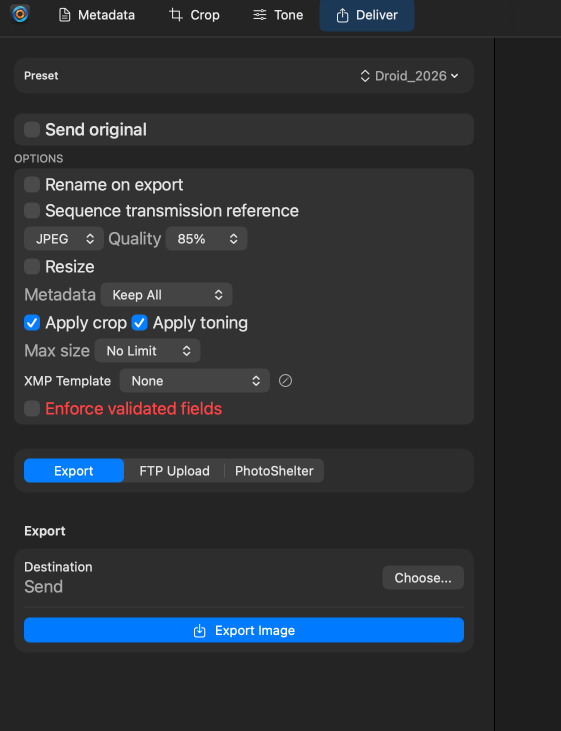
- Quality controls — JPEG quality from 1–100 with optional file size cap
- Resize — By long edge, short edge, fixed dimensions, or percentage
- Metadata control — Strip GPS, strip serial numbers, or preserve all XMP/IPTC
- File size limiting — Automatic quality adjustment to stay under a target size
- Pattern renaming — Variable-driven filenames for consistent delivery naming
Upload finished images directly to one or more FTP or SFTP destinations. Configure as many servers as you need — one per wire service, client, or newsroom — and pick which ones to deliver to at export time.
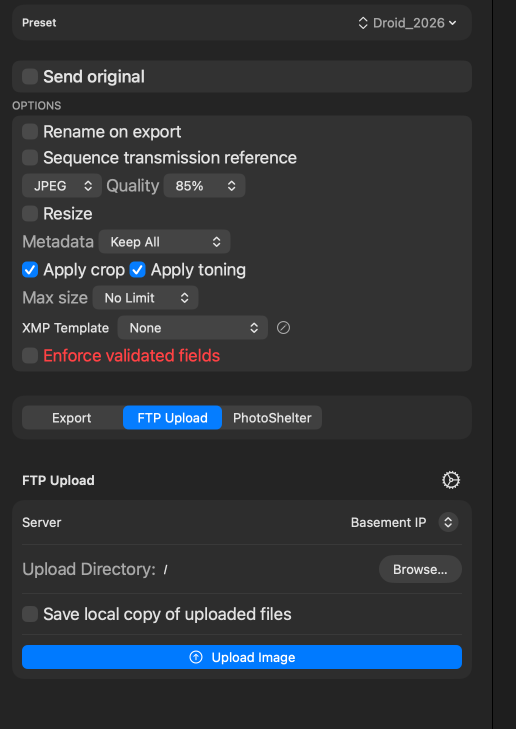
Failed uploads retry automatically with exponential backoff. If a server is briefly unavailable, the queue persists across app restarts and resumes when the connection returns.
Once you've dialed in a delivery, save it as a preset so you never rebuild it by hand again. A preset bundles a destination together with your output format, quality, resize settings, and a pattern-based rename — the same pattern renaming covered under Multi-Format Export — so it holds everything the export dialog needs to send a set of images out consistently in one action.
Presets are the fast path for recurring assignments: build one for each wire service or client, pairing the right FTP or SFTP destination (see FTP & SFTP Delivery above) with the format and pattern-based filename that outlet expects. At delivery time, pick the preset and every selected image goes out with identical settings — no chance of shipping the wrong size or a mismatched naming scheme under deadline.
Name presets after the destination they serve — “AP Wire,” “Team Site,” “Archive” — so the whole team can deliver the same way every time, even on a chaotic sideline.
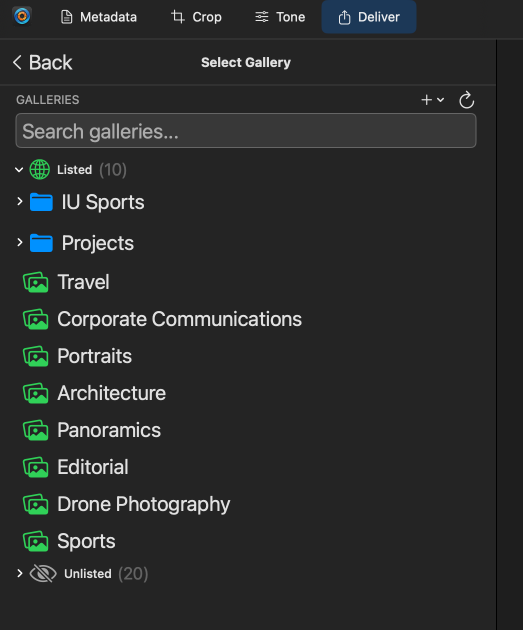
Upload directly to PhotoShelter galleries using your existing PhotoShelter account credentials. Choose a target gallery, set metadata mapping, and deliver as part of any export.
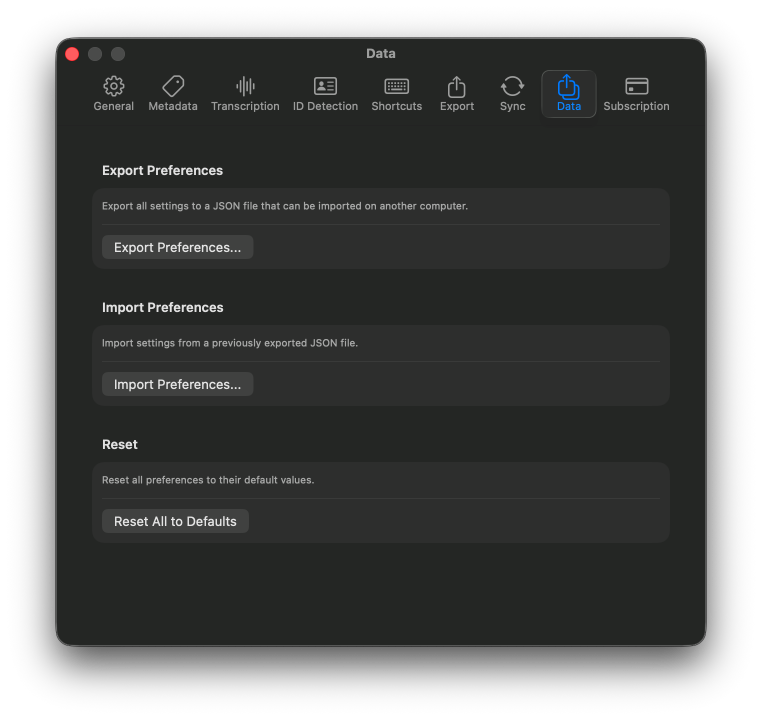
Set your default export settings in Preferences so a one-click export uses the format, quality, and metadata behavior you expect. Per-shoot overrides are still available from the export dialog.
Validation rules attached to XMP templates run automatically at export time. Images that pass deliver immediately; images with issues are held in a pending queue where you can fix and re-validate without restarting the batch.
Full details on validation severity levels, trigger conditions, and progressive delivery are covered in the XMP Templates & Validation guide.