
Quick Text is a text expansion system that helps you caption images faster. Define short codes that expand into full descriptions when you type them. Deadline Editor supports both delimiter mode and phrase autocomplete from CSV/TSV source files.
Delimiter-Free Mode
No trigger character needed. Just start typing a code and Quick Text matches automatically as you type. The fastest way to caption.
Phrase Autocomplete
Type partial names or descriptions and get autocomplete suggestions from your Quick Text sources. Great for non-sports events.
Sports Roster Generator
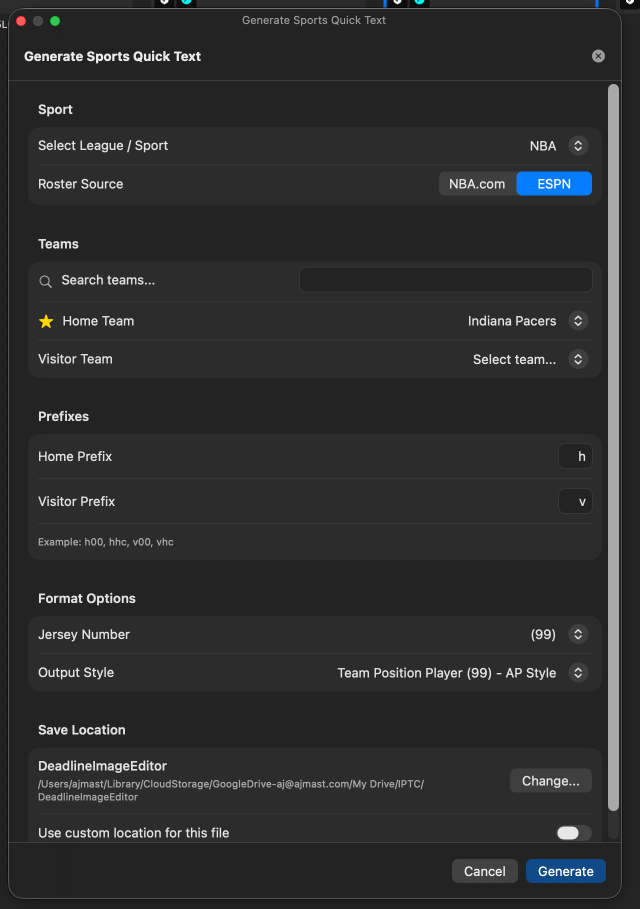
Generate Quick Text files for NFL, NBA, MLB, NHL, and college sports with player codes, jersey numbers, and team prefixes.
Multiple Sources
Load multiple Quick Text files simultaneously. Combine team rosters, staff lists, and event-specific codes in one session.
Quick Text rules are stored in CSV (comma-separated) or TSV (tab-separated) files. Each row defines one code with up to 3 replacement options.
Format
key,replacement1,replacement2,replacement3| Column | Description | Required |
|---|---|---|
key |
The short code you type (e.g., v04, h12) |
Yes |
replacement1 |
Primary replacement (e.g., "Colts QB Ted Jorge") | Yes |
replacement2 |
Secondary replacement (e.g., "Ted Jorge (4)") | No |
replacement3 |
Name-only version for Persons field (e.g., "Ted Jorge") | No |
Example CSV File
v04,Colts QB Ted Jorge,Ted Jorge (4),Ted Jorge
v12,Patriots WR Mike Smith,Mike Smith (12),Mike Smith
v88,Chiefs TE John Davis,John Davis (88),John Davis
coach1,Head Coach Bill Johnson,Coach Johnson,Bill Johnson
ref,Referee signals a penalty,Referee,OfficialBoth files contain the rules above and are ready to import as-is. Open either one in a spreadsheet or text editor, replace the rows with your own codes, and save. The TSV version includes a replacement containing a comma to show why tabs are the safer choice for that case.
Deadline Editor automatically detects whether your file uses commas or tabs as delimiters. If your replacement text contains commas, use a TSV (tab-separated) file.
Deadline Editor can automatically generate Quick Text files by pulling live roster data for major sports:
- NFL — Professional football rosters
- NBA — Professional basketball rosters
- MLB — Professional baseball rosters
- NHL — Professional hockey rosters
- College sports — NCAA team rosters
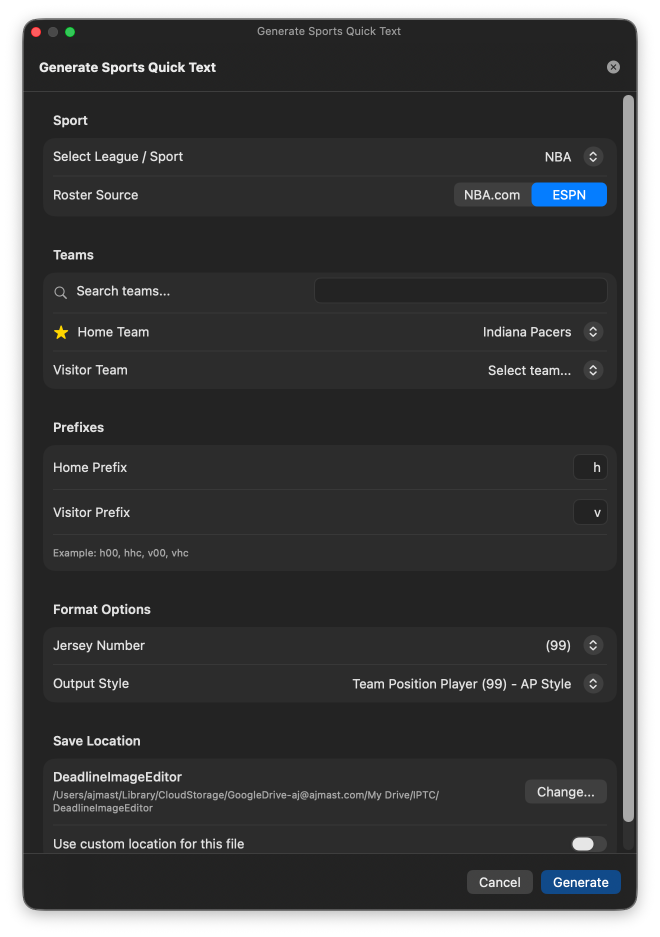
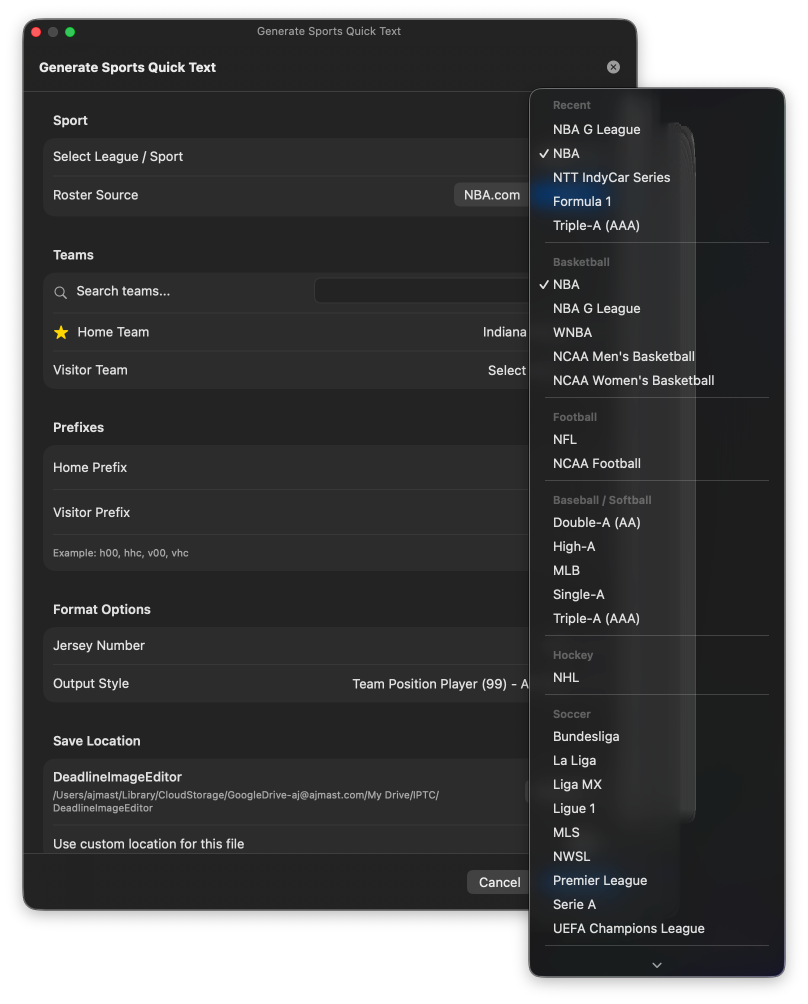
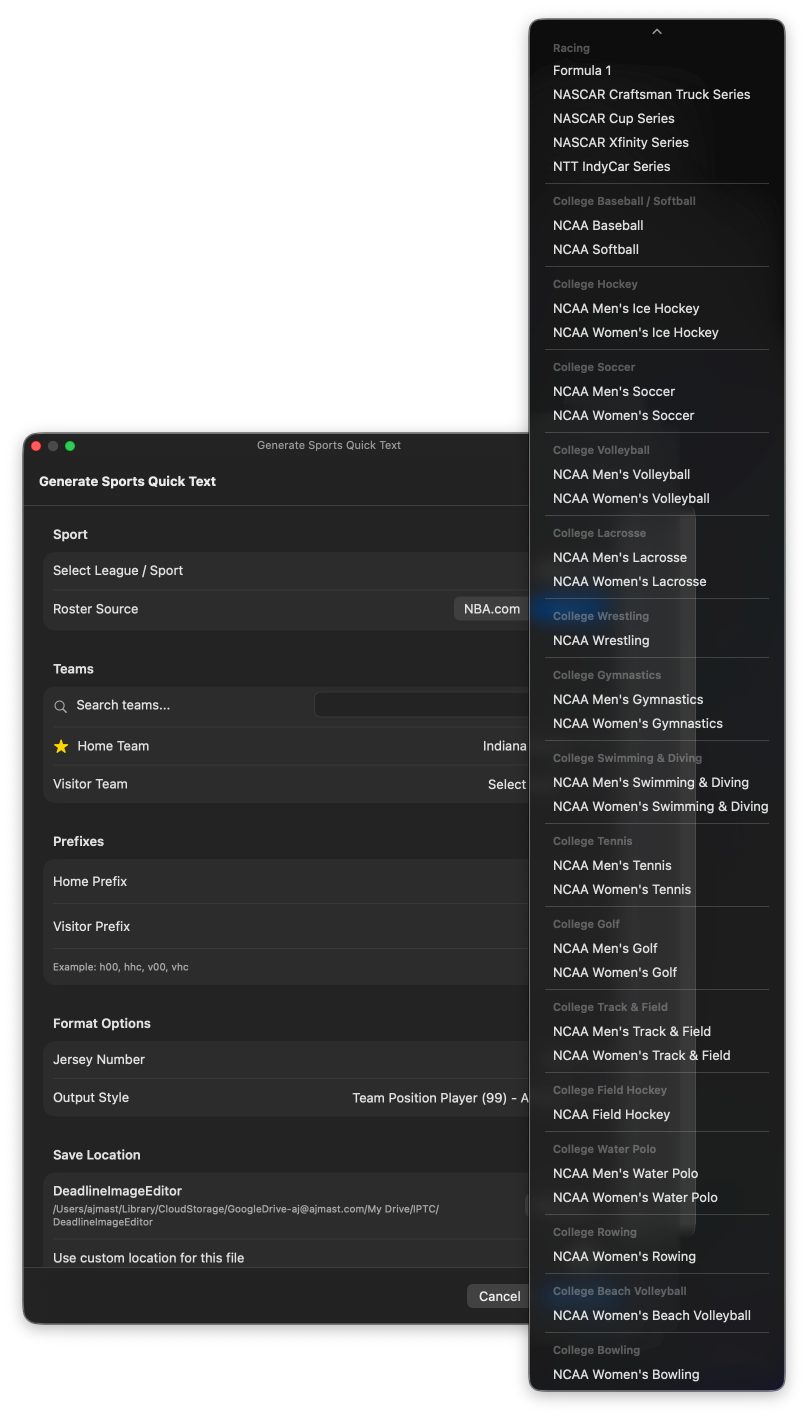
Generated files include player codes based on jersey numbers, team prefixes (home/visitor), and full player descriptions ready for captioning.
Generate roster files before the event. Open the Roster Generator, search for the teams playing, and generate Quick Text files for both teams. The files are saved locally and can be reused across multiple shoots.
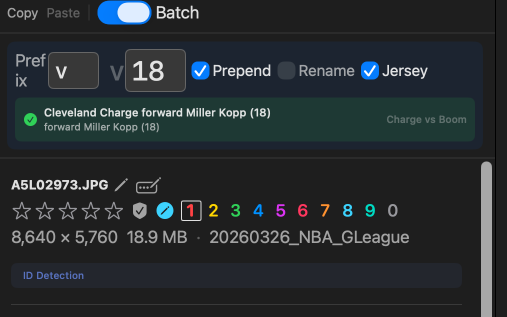
Batch mode (Cmd+B) provides a dedicated interface for rapidly assigning player or event codes to images using just the keyboard.
How Batch Mode Works
- Press
Cmd+Bto enter batch mode - Type a code (e.g.,
v04) — you'll see the expanded description in real time - Press
Enterto apply the code and auto-advance to the next image - Repeat for each image
Batch Mode Features
- Live Quick Text matching — See the expanded player description as you type, with disambiguation for partial matches
- Copy/paste batch IDs — Copy the current code and paste it to consecutive images with single-keystroke shortcuts
- Single and multi-select modes — Tag one image at a time with auto-advance, or apply to an entire selection at once
- Quick reference panel — See all available codes from your loaded Quick Text sources at a glance
In single-select mode, batch mode auto-advances to the next image after each tag. This means you can tag hundreds of images by just typing codes and pressing Enter — no mouse needed.
Deadline Editor transcribes camera audio memos for hands-free captioning:
Voice Tag Playback
Play back .m4a and .wav audio files associated with images directly in the app. Voice tags are matched to images by filename.
Transcription
- On-device processing — All transcription runs locally; no data leaves your computer
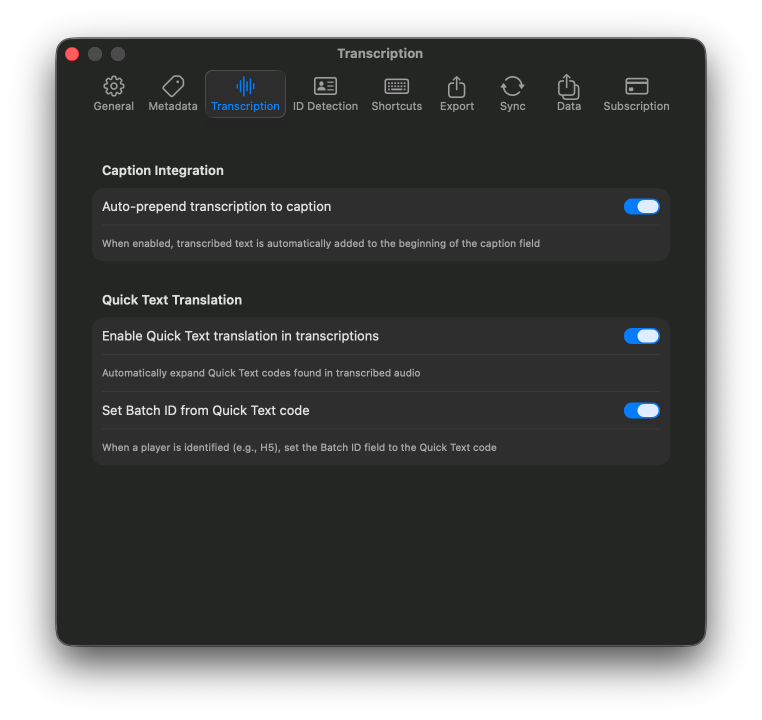
- Smart translation — Parses spoken jersey numbers and team names, looks them up in Quick Text sources, and converts to full player descriptions
- Auto-prepend to captions — Transcribed text is automatically added to the image caption
- Batch ID extraction — Jersey numbers mentioned in voice tags are matched to Quick Text entries for automatic batch ID assignment
All transcription runs entirely on your device. No audio data is sent to any server.
- Keep codes short — 2–4 characters work best for fast typing
- Use consistent naming — Prefix codes by team (v = visitor, h = home, s = staff)
- Always include a name-only option — The third column populates the Persons (Person in Image) field automatically
- Generate rosters before events — Use the roster generator to pull live data from league sources
- Combine sources — Load both team rosters plus a staff/officials file for complete coverage
- Test before deadlines — Import and verify Quick Text rules before critical shoots
- Use batch mode for sequences — Batch mode with auto-advance is the fastest way to tag play-by-play sequences