
Deadline Editor supports six distinct import methods, each suited to a different workflow. All methods flow into the same gallery, so you can mix and match within a single shoot.
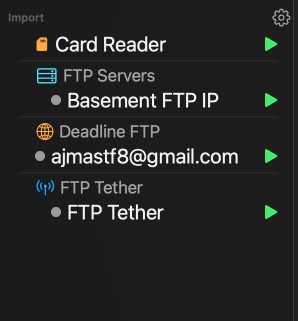
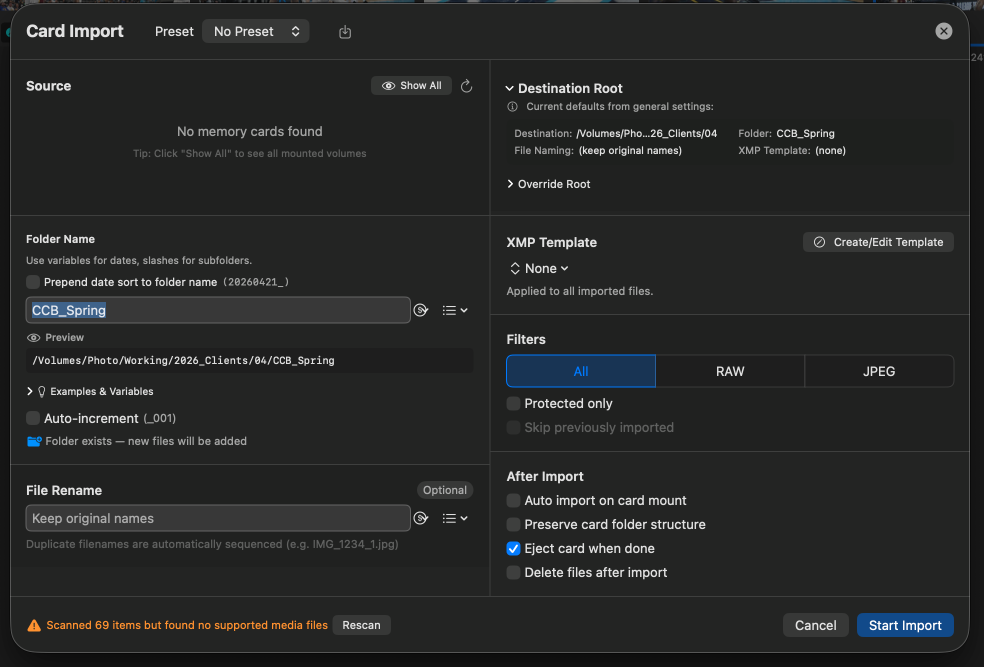
Insert a card and Deadline Editor recognizes it as a source in the sidebar. Browse the files directly without copying first, or trigger a full import to copy and ingest into a destination folder of your choice. Capture-time, filename, and RAW+JPEG pairing are preserved automatically.
A hot folder is a watched directory that auto-imports any new file dropped into it. Use a hot folder when your camera or workflow tool writes to a known location and you want hands-off ingest.
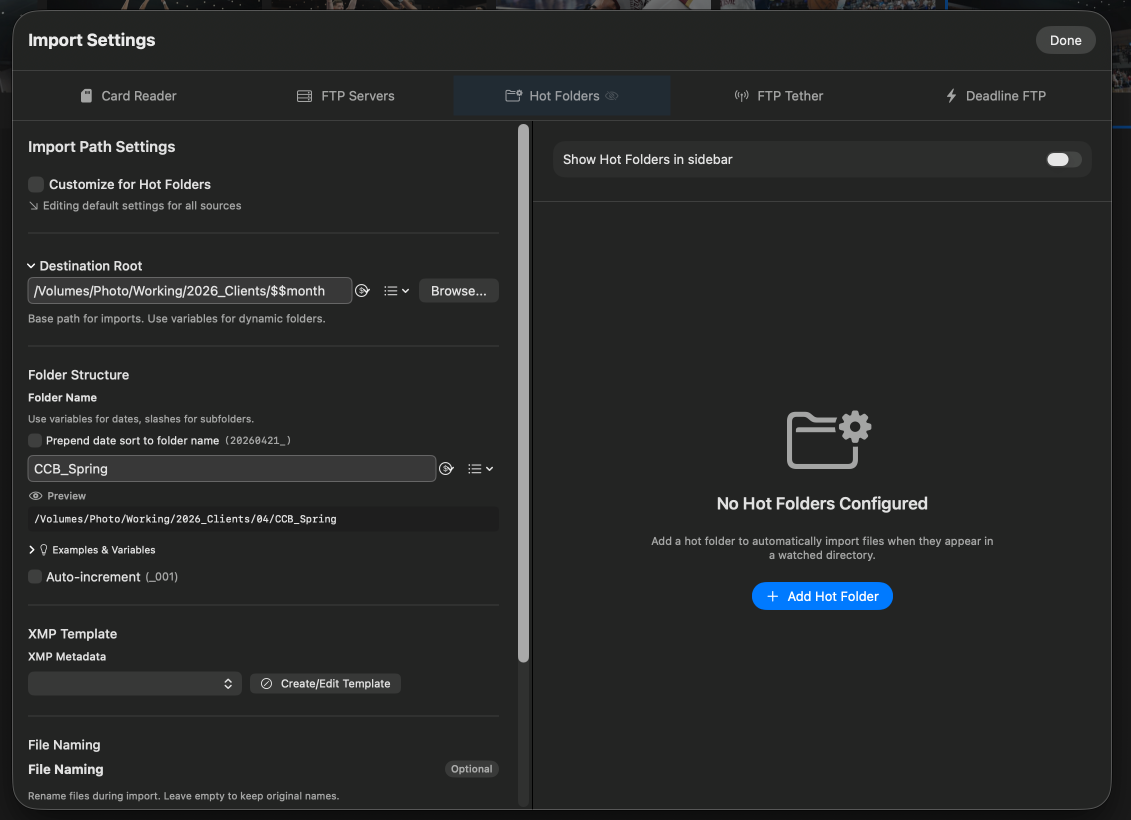
Point your camera's FTP server at a hot folder location and you get instant on-device preview without configuring a tether session. The hot folder picks up images as fast as the camera can transmit them.
Tethered capture brings frames into Deadline Editor the instant you shoot them — no card swap, no cloud round-trip. Connect a supported camera, start a tether session, and each capture lands in the gallery in real time, ready to cull, caption, tone, and deliver. It's built for studio sessions, sideline editing, and any deadline where seeing the frame a second after the shutter matters.
Deadline Editor supports three ways to tether, depending on your camera and connection:
USB Tether
Connect Sony, Nikon, or Canon cameras directly over USB for a fast, wired capture session. Frames transfer as you shoot, with no network setup required.
TCP Tether
Tether supported Sony cameras over a TCP/IP network connection — useful when a wired USB run isn't practical.
FTP Tether
Point any FTP-capable camera at Deadline Editor over WiFi or Ethernet. The app receives images directly on macOS, iPadOS, and iOS, with no internet required.
USB and TCP tether use each camera maker's own capture SDK, so availability depends on your camera model. FTP tether works with any camera that has a built-in FTP client. All three flow into the same gallery as every other import source, so you can mix tethered frames with cards, hot folders, and cloud sync in a single shoot.
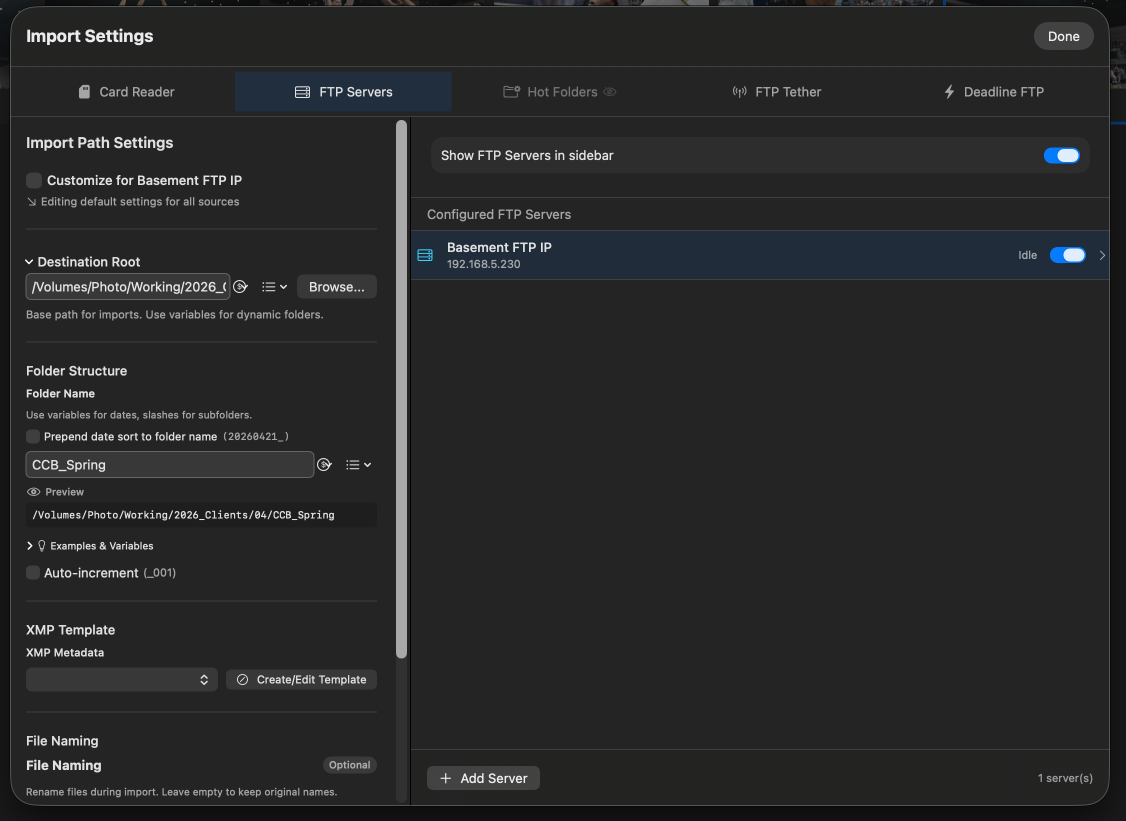
Connect to any FTP or SFTP server and browse it directly inside the gallery. Pull entire shoots from a wire desk, a remote photographer, or a shared production server without leaving the app.
If you use DeadlineFTP, your cloud galleries appear in the sidebar and sync directly into the gallery. This is the easiest way to pull photos that were uploaded from the field by another team member.
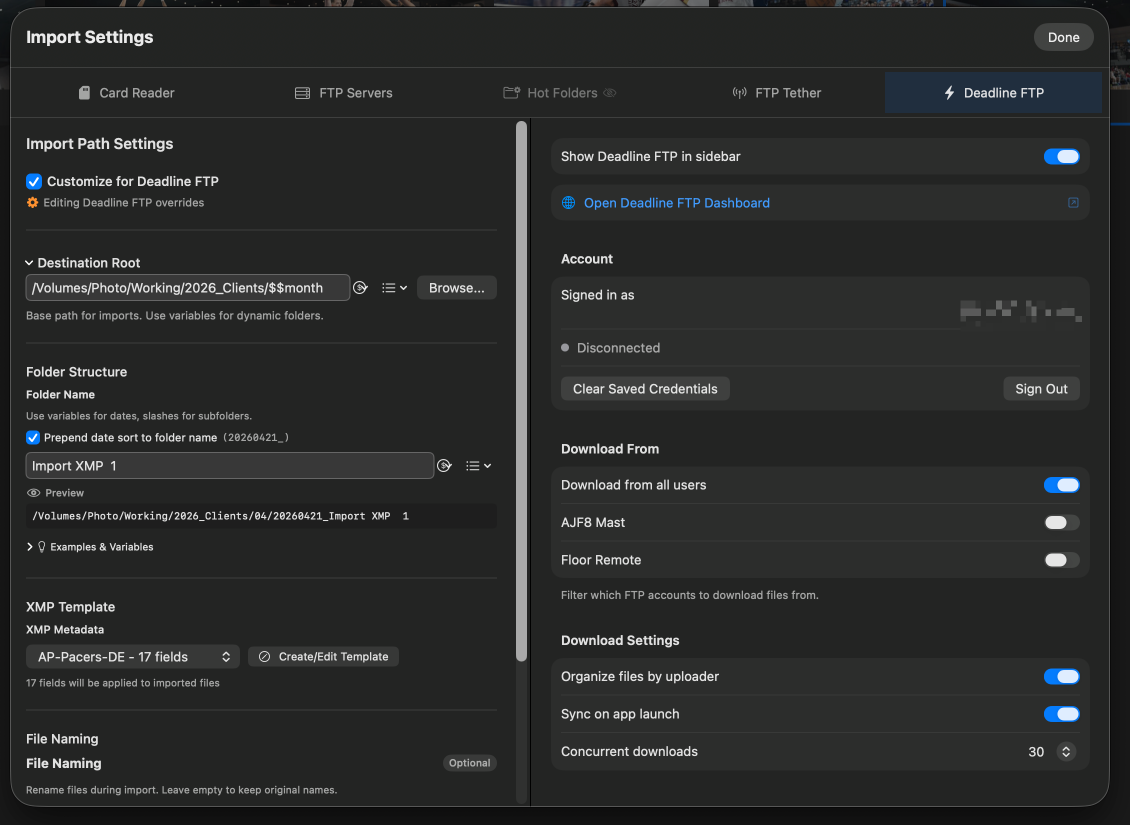
Cloud sync pulls photos that already exist in DeadlineFTP. Tethered capture (a separate import method) accepts photos directly from a camera over USB, a TCP network connection, or FTP — with no internet required. Use both together for full coverage.
Transfer From pulls images from another Mac on your local network straight into Deadline Editor (macOS only). Use it to move your take off a shooting laptop and onto the desktop where you edit, or to grab frames from a NAS-connected editing machine down the hall — no internet, no cloud, and no card shuffle required.
Because everything stays on your local network, it's fast even for large RAW takes and works anywhere you can put two Macs on the same connection — a press box, a hotel room, or a truck. Selected images land in the gallery alongside every other source, so you can start editing the moment they arrive.
Transfer From is a Mac-to-Mac feature and runs on macOS. On the road, pair it with FTP Tether or a hot folder to keep ingest moving even without an internet connection.