
The tone module provides the core adjustments you'd expect from a professional editor: Exposure, Contrast, Highlights, Shadows, Whites, Blacks, Temperature, Tint, Vibrance, Saturation, Clarity, Texture, Sharpening, Dehaze, and Noise Reduction. All adjustments are non-destructive and GPU-accelerated.
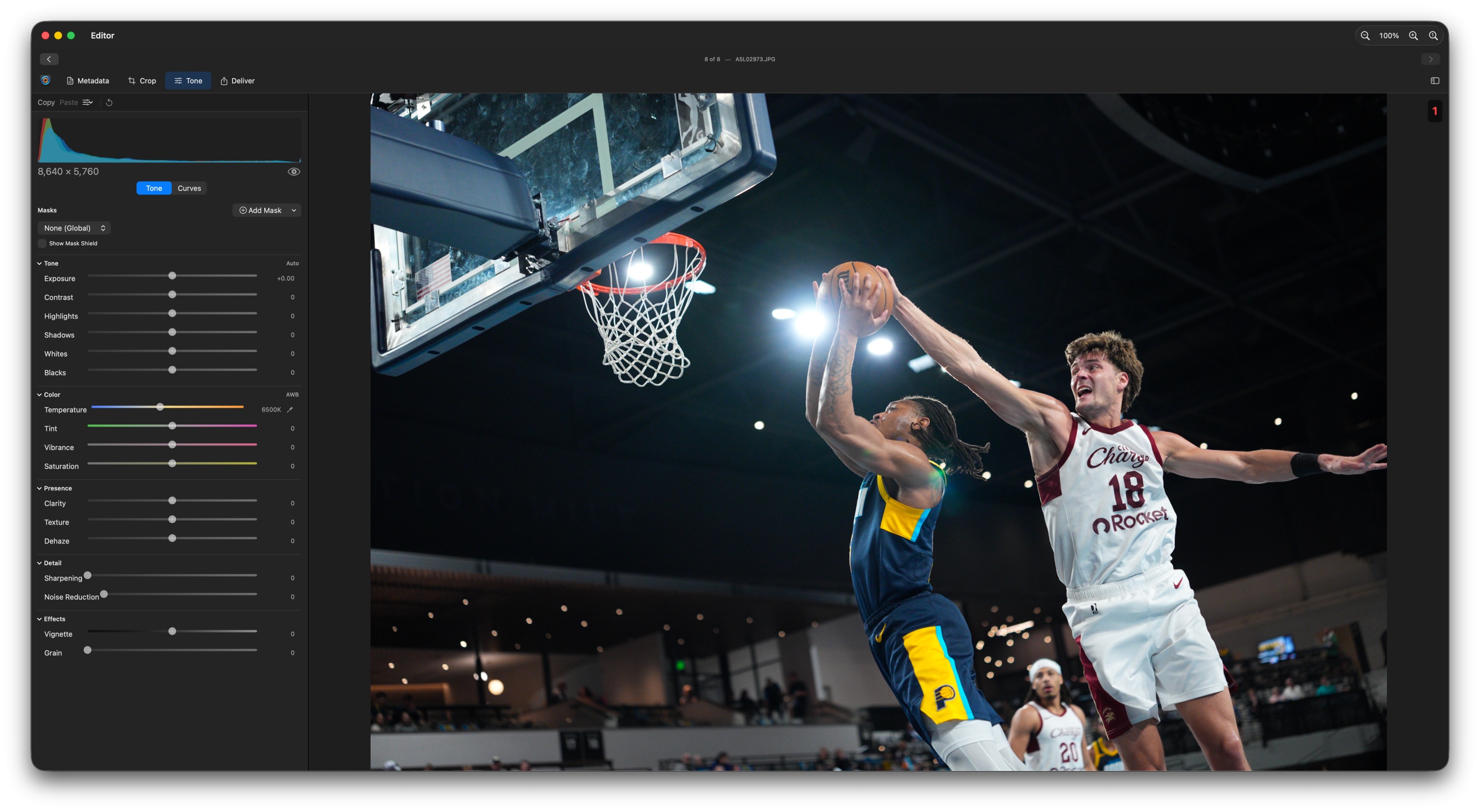
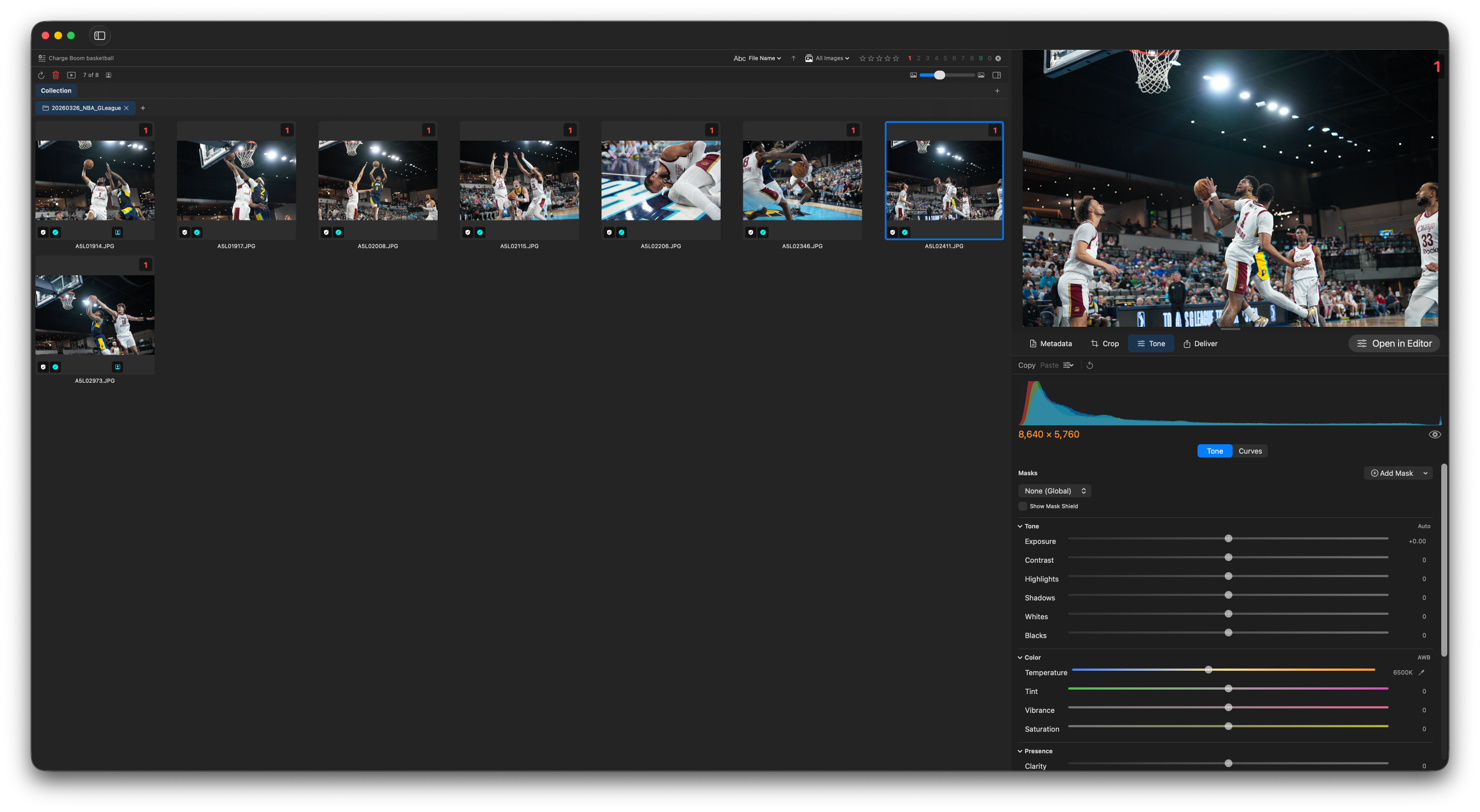
The white balance eyedropper removes color casts in a single click. Pick up the eyedropper and click a neutral gray or white area in the image — a white jersey number, a painted sideline marker, or an official's striped shirt all work well — and Deadline Editor neutralizes the cast at that point. Temperature and Tint update automatically to match, so you can fine-tune from there if needed.
This is the fastest fix for mixed venue lighting, where daylight, sodium-vapor, and LED sources fight each other across the frame. Sample a known-neutral reference and the whole image snaps back to a natural balance in one move.
Sample something that should be pure gray or white rather than a bright team color. A gray official's cap or a clean white line reads more accurately than a saturated jersey, which can pull the balance the wrong way.
Editorial-only toning restricts adjustments to wire-service-safe controls, disabling masking and cloning to enforce integrity standards required by news organizations. When enabled, the masking and clone tools are hidden and any image processed through the app meets the ethical requirements of news and wire services.
Once editorial-only mode is enabled, it is enforced at the export level. Images that violate editorial rules cannot be exported with the editorial profile.
The curves editor (macOS only) gives you precise tonal control with a Bezier curve overlay on a live histogram. Add points to lift shadows, roll off highlights, or shape midtones. Toggle before/after with the spacebar to compare your adjustment to the original.
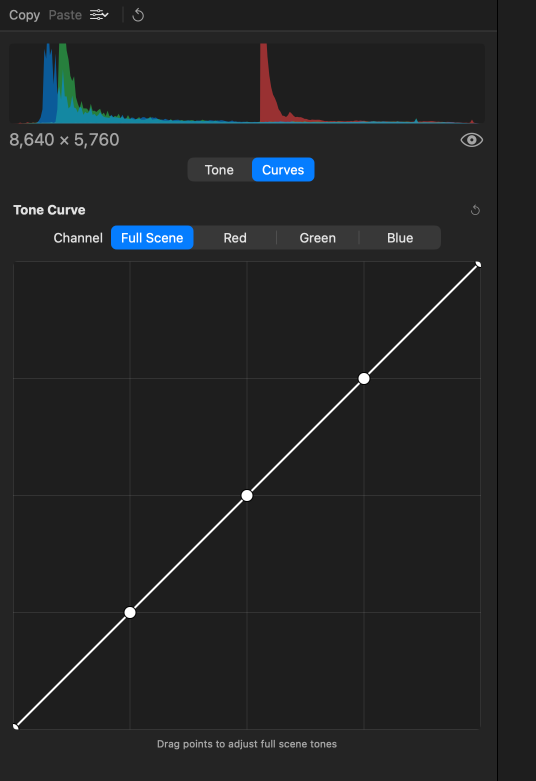
The histogram shows the tonal distribution of your image — shadows on the left, midtones in the middle, highlights on the right — and updates live as you drag any slider or reshape a curve. It's the quickest way to see where your exposure actually sits, especially under stadium lighting where the back of the camera can lie.
Read it by watching the two edges: data stacked against the left wall means crushed shadows with no detail to recover, while data piled against the right wall means blown highlights. For most editorial frames you want the values to sit inside those walls, keeping detail in both a dark jersey and a bright uniform.
Tone masks let you apply localized adjustments to specific areas of an image. Use masks to dodge faces, burn skies, or balance exposure between foreground and background. Masks are non-destructive and store with the image.
Beyond manually painted regions, Deadline Editor can automatically detect the subject and the background of a frame for one-click masks (macOS). Target the auto-detected subject to lift a player out of a busy crowd, or select the background to knock down a distracting sideline without touching the athlete.
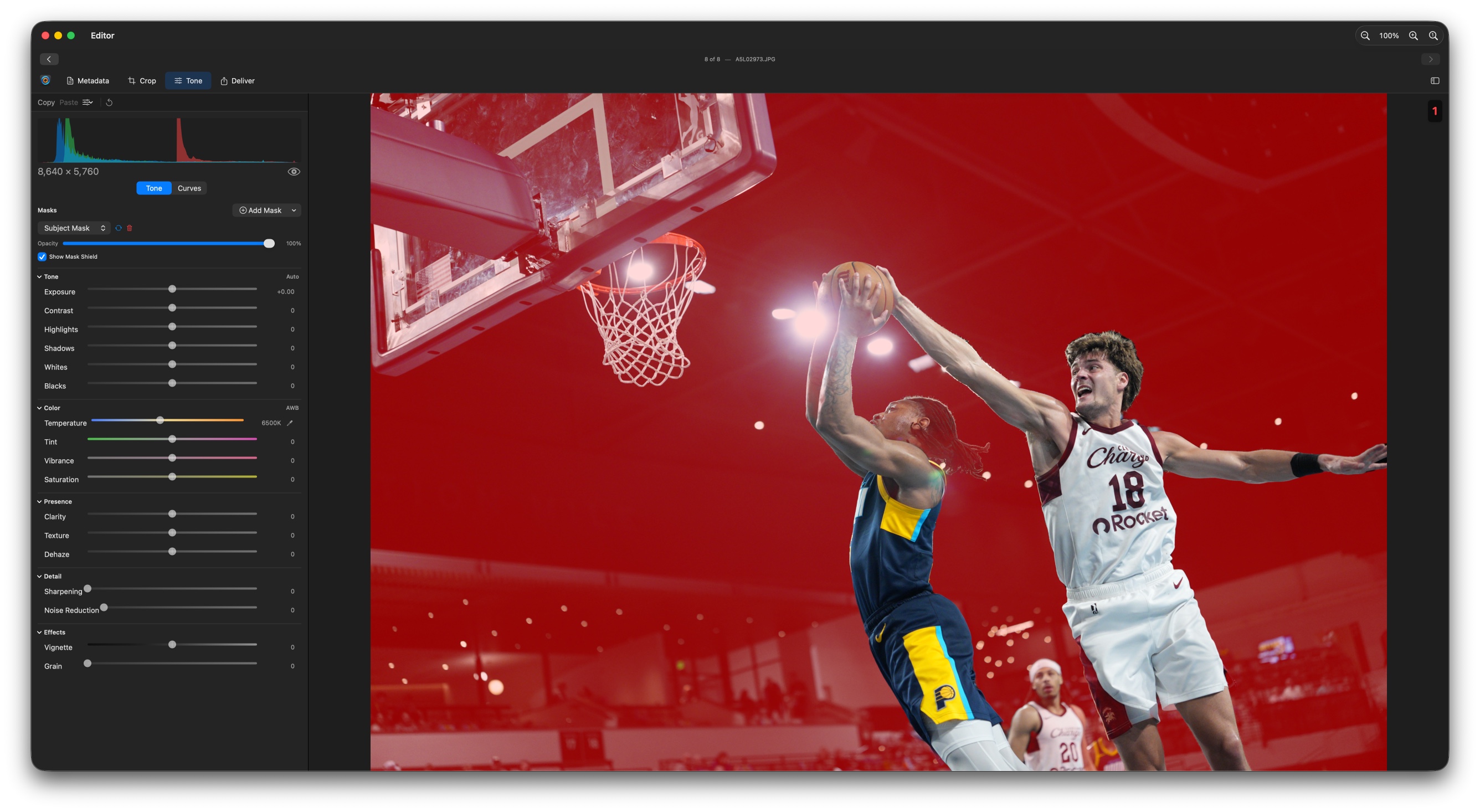
Tone masks are disabled when editorial-only mode is active, in line with wire service integrity requirements.
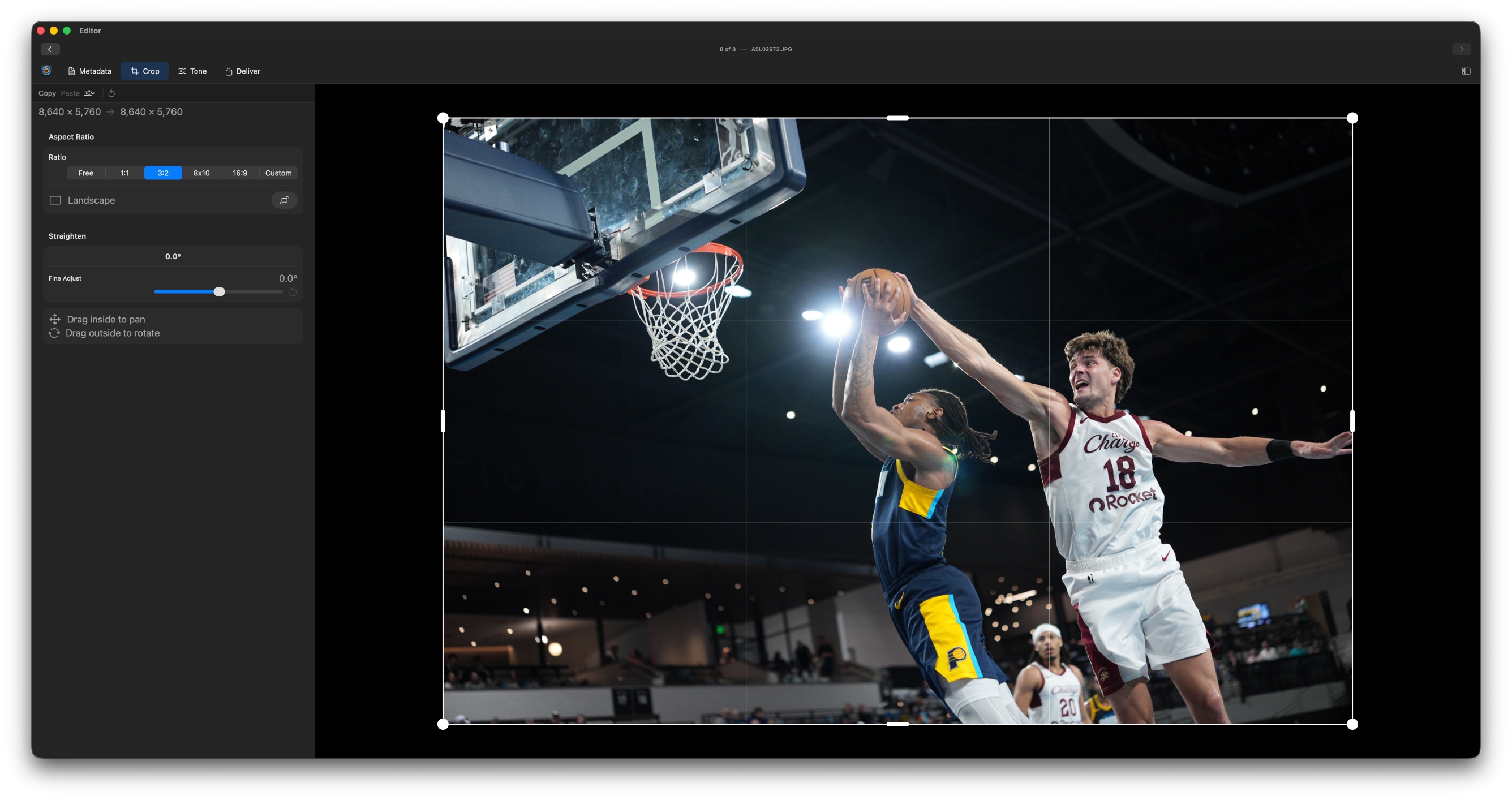
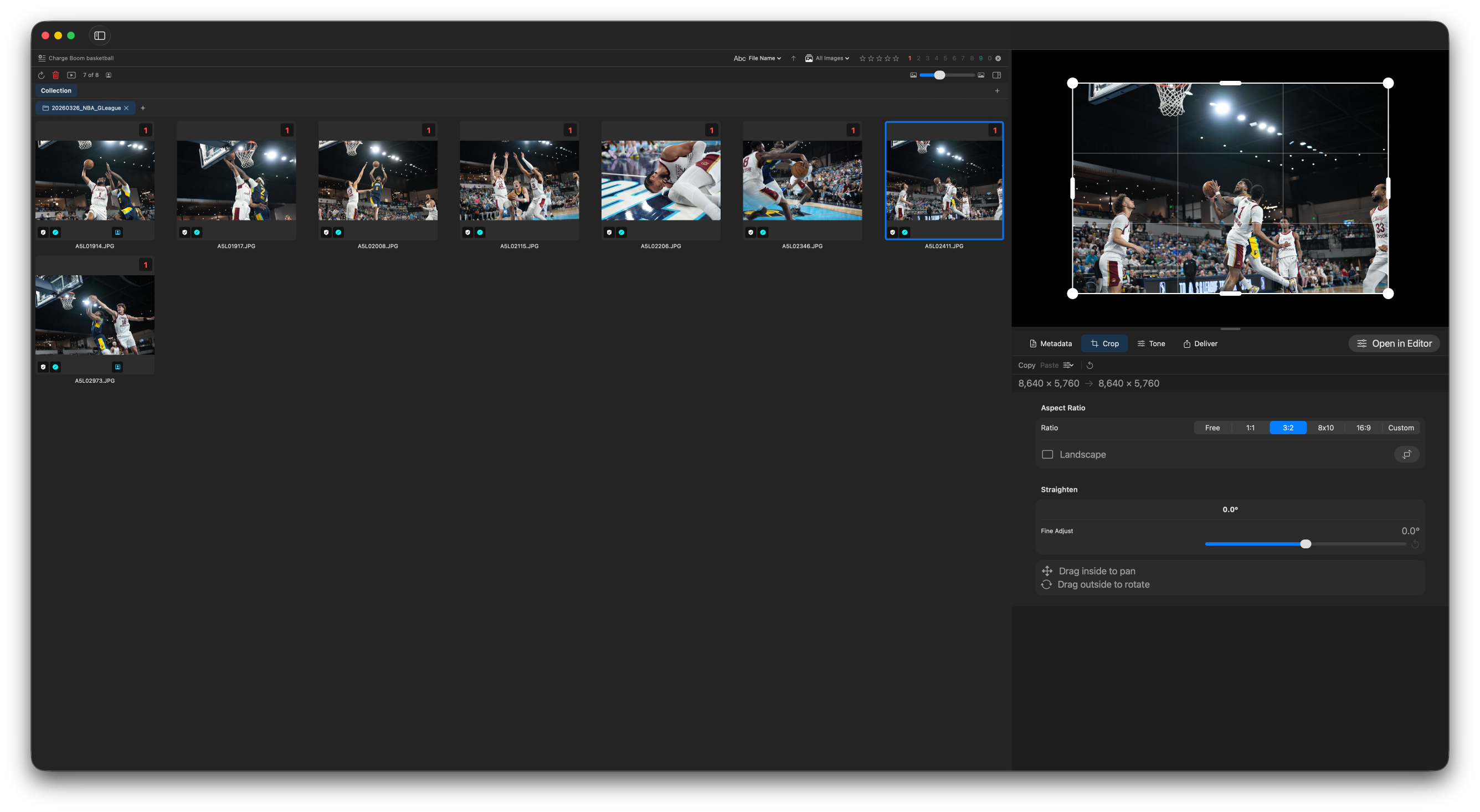
Photoshop-style cropping with aspect ratio presets (16:9, 4:3, 3:2, 1:1, 5:7), custom dimensions, arbitrary rotation, and saveable crop presets. The crop tool uses a familiar three-by-three rule-of-thirds overlay and supports both freehand and constrained dragging.
Finishing effects add the last bit of polish once tone and color are settled. Like every other adjustment, they're non-destructive and stack on top of your edit without touching the underlying pixels.
Vignette
Darken or lighten the edges of the frame to pull the eye toward your subject. A subtle darkening at the corners keeps attention on the action in the center; a light vignette can open up a dim arena.
Grain
Add film-style texture for a classic editorial look. A touch of grain lends atmosphere to black-and-white feature frames and can help disguise noise in high-ISO night games.
Save your favorite tone and crop adjustments as presets. Apply presets to entire selections at once, copy and paste adjustments across images, and sync your preset library to iCloud so it's available on every device.
- Tone presets — Save, load, rename, and manage with iCloud sync
- Crop presets — Save any crop including aspect ratio and rotation
- Copy & paste — Copy adjustments from one image and paste onto selections
- Batch apply — Apply a preset to hundreds of images at once
Build a preset for your venue's typical lighting before the event. Apply it to your full take in one pass, then fine-tune outliers individually.